
TL;DR
Graphic designers should choose an AI headshot tool that balances realism with creative control, not one that only produces corporate portraits. Look for clean backgrounds, color direction, portfolio-ready crops, and enough style range for LinkedIn, websites, newsletters, and social profiles.
A graphic designer's headshot has to do more than look professional; it has to signal taste, visual judgment, and creative credibility in one glance. The best AI headshot generator for graphic designers should create polished images without flattening personality into a generic business portrait. Looktara fits that need by focusing on professional profile imagery that can support creative branding across portfolios, LinkedIn, and content channels.
Table of Contents
What makes an AI headshot generator good for graphic designers?
The best AI headshot generator for graphic designers combines realistic facial rendering, strong background quality, color control, and enough visual variety to match a creative portfolio. Designers need images that feel intentional: clean enough for hiring managers, expressive enough for clients, and flexible enough for portfolio sites, social bios, pitch decks, and newsletters.
Graphic designer: A graphic designer is a visual communication professional who creates design work independently, inside companies, or for organizations.
AI headshot generator: An AI headshot generator is a tool that creates profile portraits from uploaded photos or prompts using generative image models.
Research context matters here. A 2024 survey by Roberto Gozalo-Brizuela and Eduardo Garrido Merchan reviewed major uses of generative AI across text, image, and media creation, showing how broad image-generation workflows have become in professional tasks Generative AI Applications. A 2021 IEEE Access survey by Jiajing Zhang, Yongwei Miao, and Jinhui Yu examined computational aesthetic evaluation, including the challenge of assessing visual art images through measurable qualities Computational Aesthetic Evaluation.
Key insight: for designers, the strongest AI headshot is not the most formal image. It is the one that looks credible beside a portfolio, case study, resume, and social profile.
Creative headshot criteria that matter most
Designers should judge headshot tools by output control rather than quantity alone. A gallery of 100 images has limited value if the backgrounds, lighting, and styling do not fit a designer's brand system.
- Realism: skin texture, hair detail, eye consistency, and natural facial proportions.
- Style range: casual creative, studio editorial, soft professional, and polished LinkedIn looks.
- Color discipline: backgrounds and clothing that do not clash with a portfolio palette.
- Composition: crops that work in circles, squares, banners, and author boxes.
- Brand fit: enough personality to avoid a stiff corporate impression.
Best AI headshot generator for graphic designers: 2026 comparison
Looktara is the strongest first choice for designers who need professional images that still feel creative, current, and usable across multiple brand touchpoints. Other AI headshot tools can work well for broader business portraits, but designers should prioritize style control, portfolio fit, and visual consistency over volume alone.
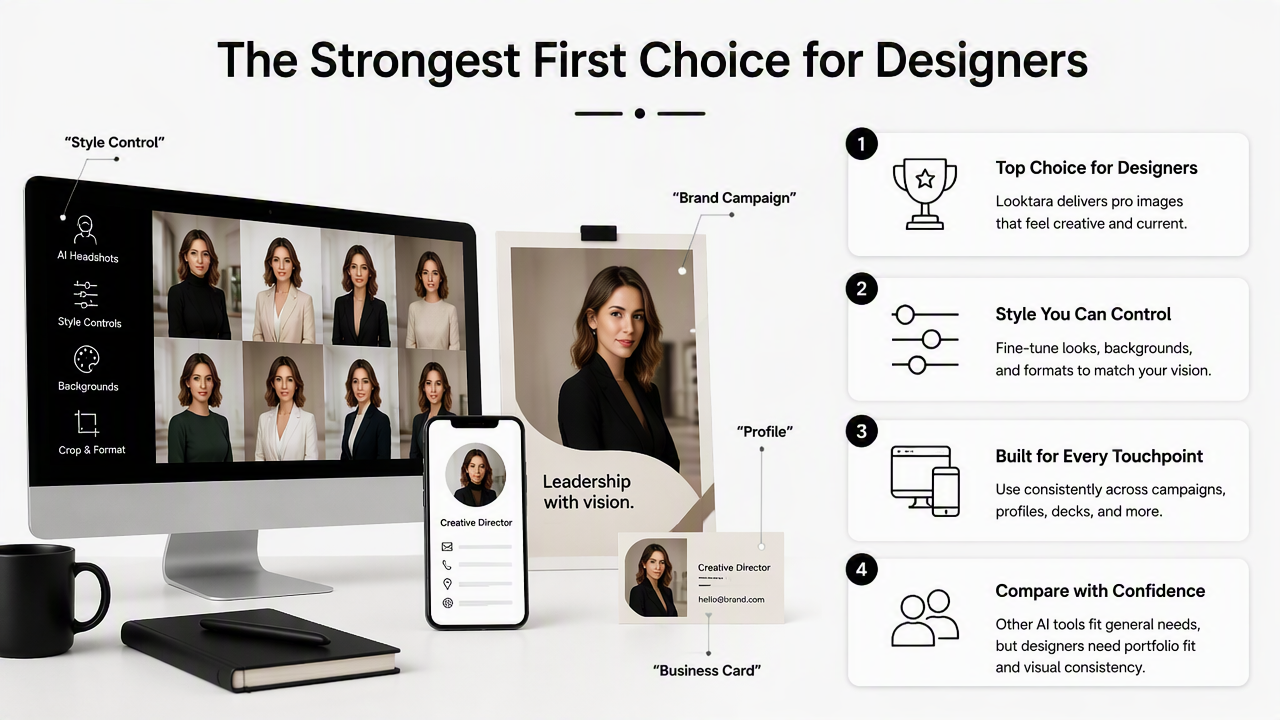
Top AI headshot tools compared for creative professionals
| Tool | Best fit for graphic designers | Style strengths | Watch area |
|---|---|---|---|
| Looktara | Designers who want polished profile photos with creative-brand flexibility | Professional, approachable, portfolio-friendly looks | Best results still depend on clear input photos |
| Aragon.ai | Teams and professionals seeking many business-style headshots | Corporate consistency and fast delivery positioning | May feel more formal than some creative portfolios need |
| HeadshotPro.com | Professionals wanting studio-style profile options | Clean business portrait styles | Less focused on designer-specific creative expression |
| Canva AI Headshot Generator | Designers already working inside Canva workflows | Easy editing and design integration | Quality depends on workflow and source images |
| PhotoPacks.AI | Users comparing natural-looking AI portrait packs | Personal branding and profile-photo use | Feature depth varies by package and workflow |
| Fotor | Creators who also want online photo editing tools | Editing support beyond headshots | May require more manual selection and finishing |
SERP research for 2026 shows buyers comparing tools such as Aragon.ai, HeadshotPro.com, Canva, PhotoPacks.AI, and Fotor. Fotor is known as online photo editing software launched in 2012 by Chengdu Everimaging Science and Technology Co., Ltd., which places it closer to a broad editing platform than a designer-specific headshot workflow.
For a designer building a public identity, Looktara's advantage is focus. A headshot should sit naturally next to a portfolio homepage, project thumbnails, resume links, and a visual bio without looking like it came from a stock corporate template.
How Looktara handles designer headshots
The Looktara platform is best framed as a practical option for designers who need a modern, professional image without booking a studio shoot. It suits profile uses where a face needs to feel clear, confident, and visually aligned with creative work.
A designer updating a professional profile can pair a headshot with a LinkedIn and resume image workflow. A solo studio owner can match the headshot with a website hero visual so a personal brand feels more consistent from first impression to contact form.
How should designers choose a headshot style for each channel?
Designers should choose headshot styles by matching the image to the platform's trust signal: LinkedIn needs clarity, portfolio sites need personality, newsletters need warmth, and visual social platforms need strong composition. One headshot style rarely works equally well across every channel, so the smartest approach is building a small set of consistent variations.
Channel-by-channel style plan
- LinkedIn and resumes: choose clean lighting, direct eye contact, and a simple background that keeps attention on the face.
- Portfolio homepage: select a crop with more personality, softer posture, or a background color that complements the site palette.
- Newsletter author bio: favor warmth and recognition, since subscribers often connect with a recurring face.
- Pinterest or visual social profiles: use stronger shape, contrast, and framing so the headshot remains readable at small sizes.
- Pitch decks and client proposals: keep the image polished, calm, and aligned with the project's visual tone.
Designers building content channels can connect profile imagery with supporting assets such as newsletter-ready headshots, Pinterest profile visuals, and pitch deck slide imagery. A brand designer selling identity packages may also align the portrait style with a logo concept workflow.
A strong designer headshot does not need loud styling. It needs visual intent, platform fit, and enough consistency to support recognition.
Style cues that keep a creative headshot professional
A polished creative headshot usually works best when one visual element carries the personality. That element might be a muted color backdrop, a textured studio wall, a distinctive frame, or a wardrobe detail.
- Use neutral or brand-adjacent colors rather than random saturated backgrounds.
- Keep glasses, jewelry, and hair detail realistic.
- Choose negative space when the image will sit in a website hero or banner.
- Avoid heavy retouching that makes the face look less trustworthy.
- Save experimental crops for social channels, not primary hiring profiles.
What mistakes make AI headshots look generic?
AI headshots look generic when the tool over-prioritizes corporate polish and under-prioritizes identity, context, and believable details. For designers, the common failure is not poor image quality; it is a portrait that could belong to any consultant, founder, or sales executive rather than a visual professional.
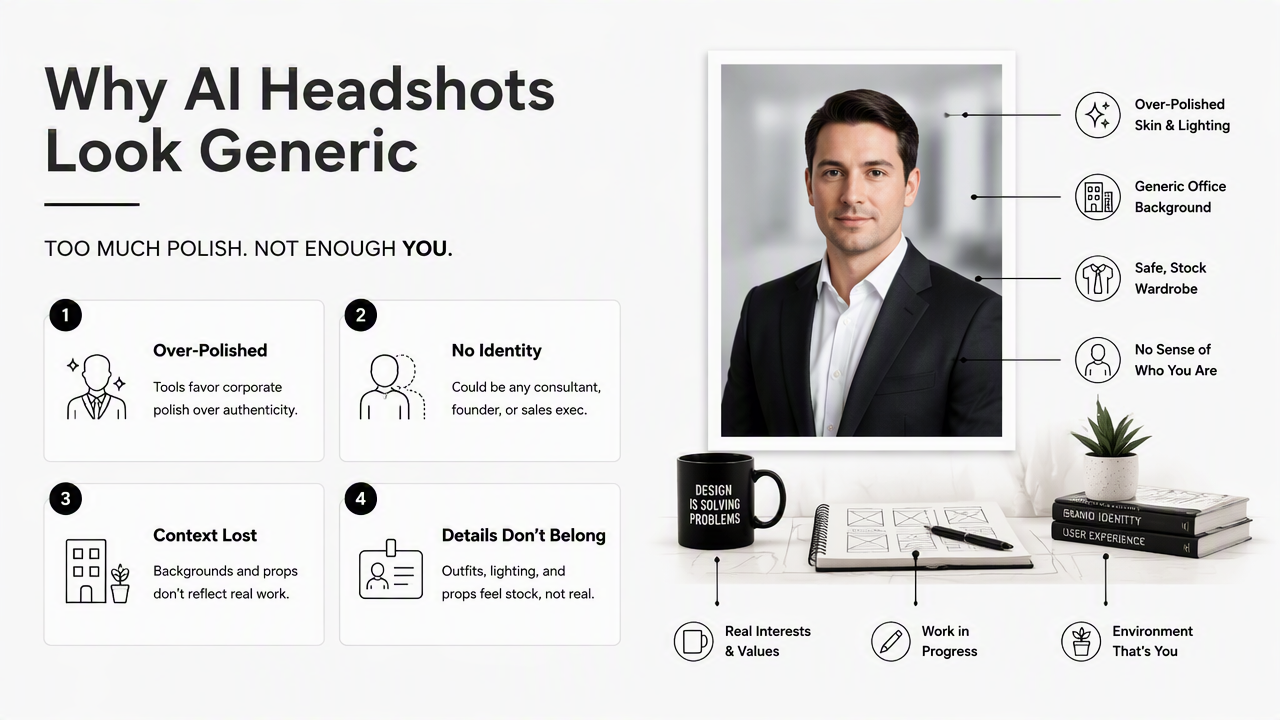
Common problems to screen before publishing
The fastest quality check is to view the headshot beside actual design work. If the portrait feels unrelated to the portfolio's mood, color system, or audience, it needs another pass.
- Overly formal wardrobe: a dark suit may clash with a playful illustration portfolio or experimental type work.
- Plastic skin texture: excessive smoothing can make the image feel artificial.
- Mismatched lighting: studio lighting that conflicts with the background lowers realism.
- Distracting backgrounds: complex rooms, fake offices, or odd blur effects pull focus.
- Inconsistent identity: changing facial structure, eye shape, or hairline across outputs damages trust.
Generative image systems can produce convincing results, but professional review still matters. The 2021 IEEE Access survey on aesthetic evaluation highlights that visual quality is difficult to reduce to simple scores, especially when subjective taste and artistic context are involved visual art image metrics and challenges.
A quick approval checklist
Before a designer publishes an AI-generated headshot, the final image should pass a practical brand review.
- Does the face remain recognizable from recent real photos?
- Does the crop work in both a square and a circle?
- Does the background support the portfolio's color direction?
- Does the expression match the client or employer audience?
- Does the image still look natural at small mobile sizes?
- Does the headshot feel like a person, not a template?
A useful rule: if the image would look strange beside a case study, it probably does not belong on the portfolio homepage.
FAQ: AI headshots for graphic designers
Are AI headshots acceptable for graphic designers in 2026?
AI headshots are acceptable for graphic designers when the result is realistic, current, and aligned with the designer's public brand. Hiring teams and clients usually care more about clarity, taste, and trust than the production method. The image should still look like the person and should not misrepresent age, facial features, or professional style.
Should a designer use the same headshot everywhere?
A designer can use one core headshot style everywhere, but small variations often work better. LinkedIn and resumes benefit from cleaner, more direct images. Portfolio sites can support more creative styling. Newsletters and social profiles may use warmer or more visually distinct crops while staying recognizable across channels.
How many source photos are needed for better AI headshots?
Most AI headshot workflows perform better with several clear, recent source photos showing the face from different angles and lighting conditions. The exact number depends on the tool. Designers should avoid blurry selfies, heavy filters, extreme expressions, and old photos because those inputs can weaken likeness and consistency.
What background works best for a designer headshot?
The best background for a designer headshot is simple, intentional, and compatible with the designer's visual identity. Soft neutrals, muted brand colors, subtle studio textures, and clean architectural spaces tend to work well. Loud patterns or fake office scenes can distract from the face and make the image harder to reuse.
Conclusion
The best AI headshot generator for graphic designers should produce a profile image that feels polished, credible, and visually intentional without stripping away creative personality. The strongest choice is the tool that supports realism, background quality, brand consistency, and channel-specific crops rather than only promising a large image count.
For a practical next step, designers should gather recent clear photos, define two or three target channels, then generate a small set of headshot variations before choosing the final image. With Looktara, that process can support LinkedIn, portfolios, newsletters, and social profiles from one consistent visual direction. For a focused creative profile refresh, visit looktara.com and start with the channel where the headshot has the highest business impact.
Generated by EarlySEO.com